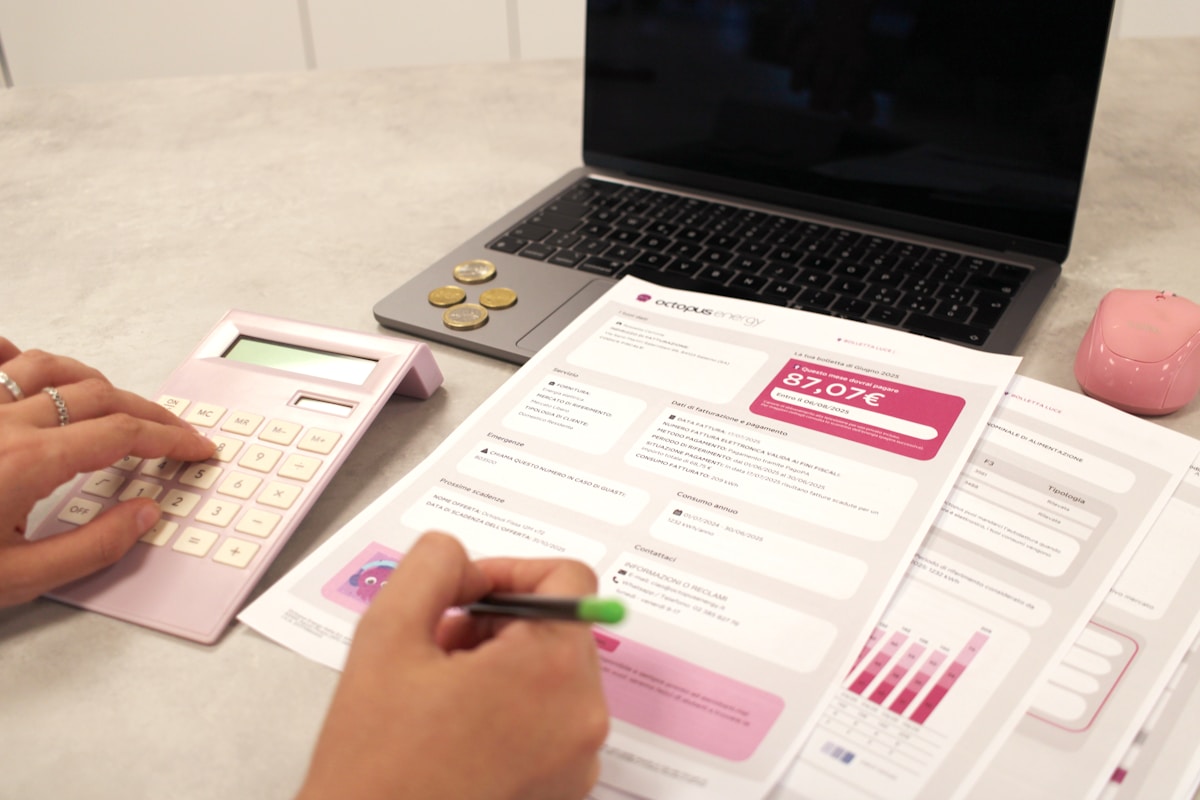
Managing money doesnt have to feel like solving a calculus problem. A solid monthly budget template strips away the complexity and shows you exactly where your cash goes. I’ve helped dozens of friends set these up, and the ones who stick with simple systems always win.
Let me walk you through building one from scratch.
Why Most Budget Templates Fail
Here’s the thing — most people download fancy spreadsheets with 47 categories and give up by week two. Too many columns. Too much guilt. Too little flexibility.
Your budget template needs three qualities: it must be dead simple, slightly flexible, and take under 10 minutes weekly to maintain. Anything more complicated and you’ll abandon it faster than a New Year’s gym membership.
Step 1: Choose Your Format

You’ve got options here, and the best one depends on how you think.
Spreadsheet (Google Sheets or Excel) works great if you like seeing numbers in grids. Free, customizable, accessible from your phone. This is what I recommend for most people.
Pen and paper sounds old-school but works surprisingly well. No battery required. The physical act of writing helps some people remember their spending better.
Budgeting apps like YNAB or Mint automate the tracking but cost money or come with ads. Good if you hate manual entry.
For this guide, I’ll assume you’re using a spreadsheet since it hits the sweet spot between control and convenience.
Step 2: List Every Income Source
Open a fresh sheet. Create a section at the top labeled “Monthly Income.”
Write down every dollar coming in:
- Primary job (use your take-home pay, not gross)
- Side gigs or freelance work
- Rental income
- Investment dividends
- Child support or alimony
- Any other regular money
Be conservative here. If your freelance income varies between $200 and $800 monthly, use $200. You can always adjust upward later. Budgeting on optimistic income numbers leads to overspending.
Add these up. This total is your working number for everything else.
Step 3: Track Fixed Expenses First

Fixed expenses are the non-negotiables — bills that hit the same amount every month. Create a second section called “Fixed Expenses” and list:
- Rent or mortgage payment
- Car payment
- Insurance premiums (car, health, renters)
- Loan minimum payments
- Subscriptions you actually use
- Phone bill
- Internet
These numbers shouldn’t surprise you. Pull up last month’s bank statement if you need exact figures.
One mistake I see constantly? People forget annual expenses. That $120 Amazon Prime membership? Divide by 12 and add $10 to your monthly fixed costs. Same with car registration, holiday spending, and yearly subscriptions.
Step 4: Estimate Variable Expenses
This is where budgets get real. Variable expenses change month to month, and they’re where most people hemorrhage money without realizing it.
Create categories that match your actual life. Here’s a starting point:
Groceries — Be honest. Track one month before guessing. Most single people spend $250-400, couples $400-700.
Gas or transportation — Include parking, tolls, and public transit passes.
Utilities — Electric, gas, water. These fluctuate seasonally.
Dining out — Coffee shops count here too.
Entertainment — Movies, concerts, hobbies.
Personal care — Haircuts, toiletries, gym membership.
Miscellaneous — The catch-all for random stuff. Budget at least $50 here.
Don’t create 25 categories. You’ll never maintain them. Seven to ten categories covers most people’s spending patterns.
Step 5: Build In Your Savings Goals
Here’s where your budget becomes more than just tracking — it becomes a tool for building wealth.
Before you allocate money to wants, decide what percentage goes to savings. The classic recommendation is 20% of take-home pay, but even 10% beats nothing.
If you’re building an emergency fund from zero, prioritize that before other savings goals. Three to six months of expenses should sit in accessible savings before you worry about investing.
Create a “Savings” section with specific goals:
- Emergency fund: $200/month
- Vacation fund: $100/month
- Car replacement: $150/month
Treating savings as a fixed expense — paying yourself first — changes everything.
Step 6: Do The Math
Now for the moment of truth.
Total Income – Fixed Expenses – Savings Goals = Money for Variable Expenses
If this number is negative, you’ve got a problem. Either income needs to increase or expenses need cutting. There’s no third option.
If the number is positive, distribute it across your variable categories. And keep a buffer. Life throws curveballs.
Step 7: Create Your Tracking System
Your template needs a place to record actual spending throughout the month. Add columns next to each category:
| Category | Budgeted | Spent | Remaining |
|———-|———-|——-|———–|
| Groceries | $350 | $0 | $350 |
| Dining Out | $150 | $0 | $150 |
Update this weekly. Sunday evenings work well — review your bank transactions, update the “Spent” column, see where you stand. Takes 10 minutes max.
Some people prefer daily tracking. That’s fine too. But weekly is the minimum frequency that actually works.
Step 8: Plan for Irregular Expenses
This step separates mediocre budgets from bulletproof ones.
Create a separate tab or section for expenses that dont happen monthly:
- Car maintenance (oil changes, tires, repairs)
- Medical copays and prescriptions
- Gifts (birthdays, holidays, weddings)
- Home repairs
- Clothing
- Annual fees and renewals
Estimate yearly costs, divide by 12, and set that amount aside monthly. When December hits and you need $400 for holiday gifts, the money’s already waiting.
Step 9: Build In Review Points
Your first budget attempt won’t be perfect. That’s normal.
At month’s end, spend 20 minutes reviewing:
- Which categories did you overspend?
- Which had money left over?
- Were your estimates realistic?
- What expenses surprised you?
Adjust next month’s numbers based on reality, not wishful thinking. By month three, your budget should feel accurate.
Common Mistakes to Avoid
Being too restrictive — Budgeting $0 for entertainment guarantees failure. You’re human. Build in some fun money.
Forgetting irregular income — Bonuses, tax refunds, and gifts should go toward savings goals, not lifestyle inflation.
Not accounting for seasonal changes — Heating bills spike in winter. Summer means higher electric bills. Plan accordingly.
Sharing with a partner without discussion — If you share finances, build the budget together. One-sided budgets breed resentment.
Making Your Template Work Long-Term
The best budget template is one you’ll actually use three months from now. Keep it visible — bookmark the spreadsheet, pin the app to your home screen.
Automate what you can. Set up automatic transfers to savings accounts on payday. Schedule bill payments so you’re not manually tracking due dates.
And cut yourself some slack. Overspending one month doesn’t mean the system failed. It means you’re human. Adjust and keep going.
Your Next Steps
Open a new spreadsheet right now. Not tomorrow, not this weekend. Spend 30 minutes building your first draft using the structure above.
It wont be perfect. First drafts never are. But a rough budget beats no budget every single time.
Start tracking this week. Review on Sunday. Adjust as you go. Three months from now, you’ll wonder how you ever managed money without this system.